
HunTracker · HelpPro
Shared hunts with friends
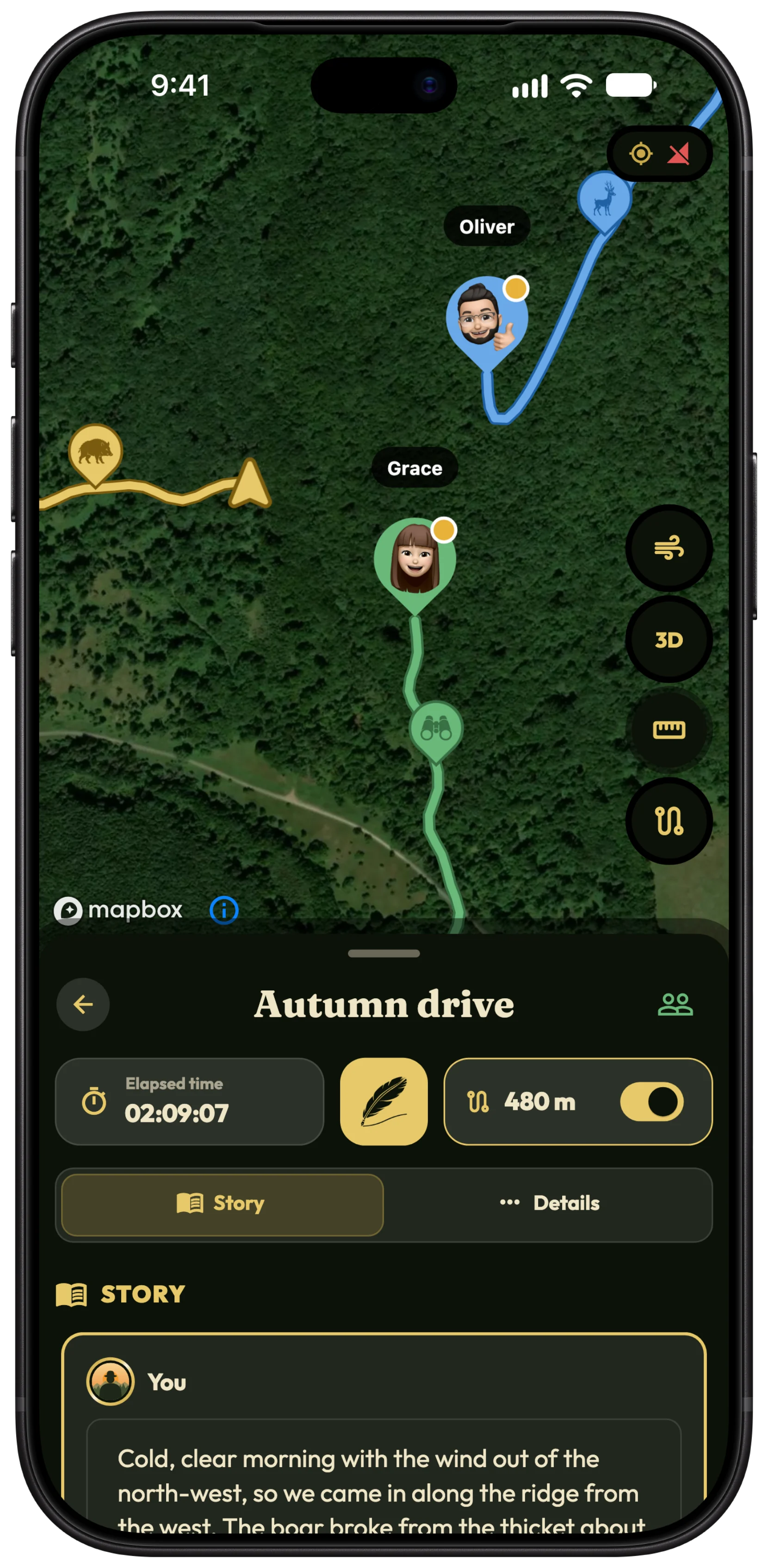
A shared hunt is one record that everyone who was there writes into, with each hunter's position on one live map. Here is how to set one up.
Add your hunting partners as friends
- Open Hunter › Friends and tap Invite.
- Tap Share invitation and send the link to your partner.
- They tap Accept invitation, and you appear in each other's friends.
Tip Being friends shares nothing by itself. A friend sees only the hunts you invite them to.
Invite friends to a hunt
- Open the hunt, before it starts, while it runs, or after it ends.
- Tap the Friends button at the top of the hunt.
- In Share hunt, tap a friend under YOUR FRIENDS.
- Choose their role, Participant or Viewer, and confirm.
Participant or viewer?
A Participant records their own route, harvests, observations and photos into the hunt, so the day's bag is complete without anyone copying it out, and gets their own colour on the map. Participants need HunTracker Pro themselves.
A Viewer follows the hunt on the map and in their journal, but cannot add anything. Anyone can be a viewer, with or without Pro.
Accept a shared hunt
- An invitation appears as a banner on your Home tab.
- Tap the tick to accept, then Join.
- The hunt is now in your Journal as well. A hunt you view is marked View only.
During the hunt
Everyone taking part shows on the hunt's map in real time, in their own colour and with their name. Positions are shared only with the hunt's members, and only while the hunt runs.
Change a role, remove someone, or leave
- As the owner, open Share hunt and tap a member to change their role, or choose Remove from hunt.
- As a member, choose Leave hunt from the hunt's card in the Journal.
Free and Pro
Adding friends and viewing a hunt shared with you are free. Sharing your own hunts needs Pro, and so does taking part as a participant who writes into the hunt. Compare Free and Pro →
More about the group hunting app →
Questions and answers
Can I use a shared hunt for a driven hunt?
Yes. Start the driven hunt, invite the hunters as participants, and every harvest anyone logs lands in the one record.
My friend has no Pro. Can they still join?
Yes, as a viewer. To write into the hunt as a participant, they need Pro of their own.
Does a shared hunt stay in my journal?
Yes. It stays in every member's journal, photos and all, until they leave it.
Still stuck?
Write to us and say which phone and app version you use. A real hunter on the team answers, usually within a day.